How to build a website without coding: platforms, pros and limits
We compare the most popular platforms for building a website without code, their hidden costs and when it makes more sense to hire a professional.
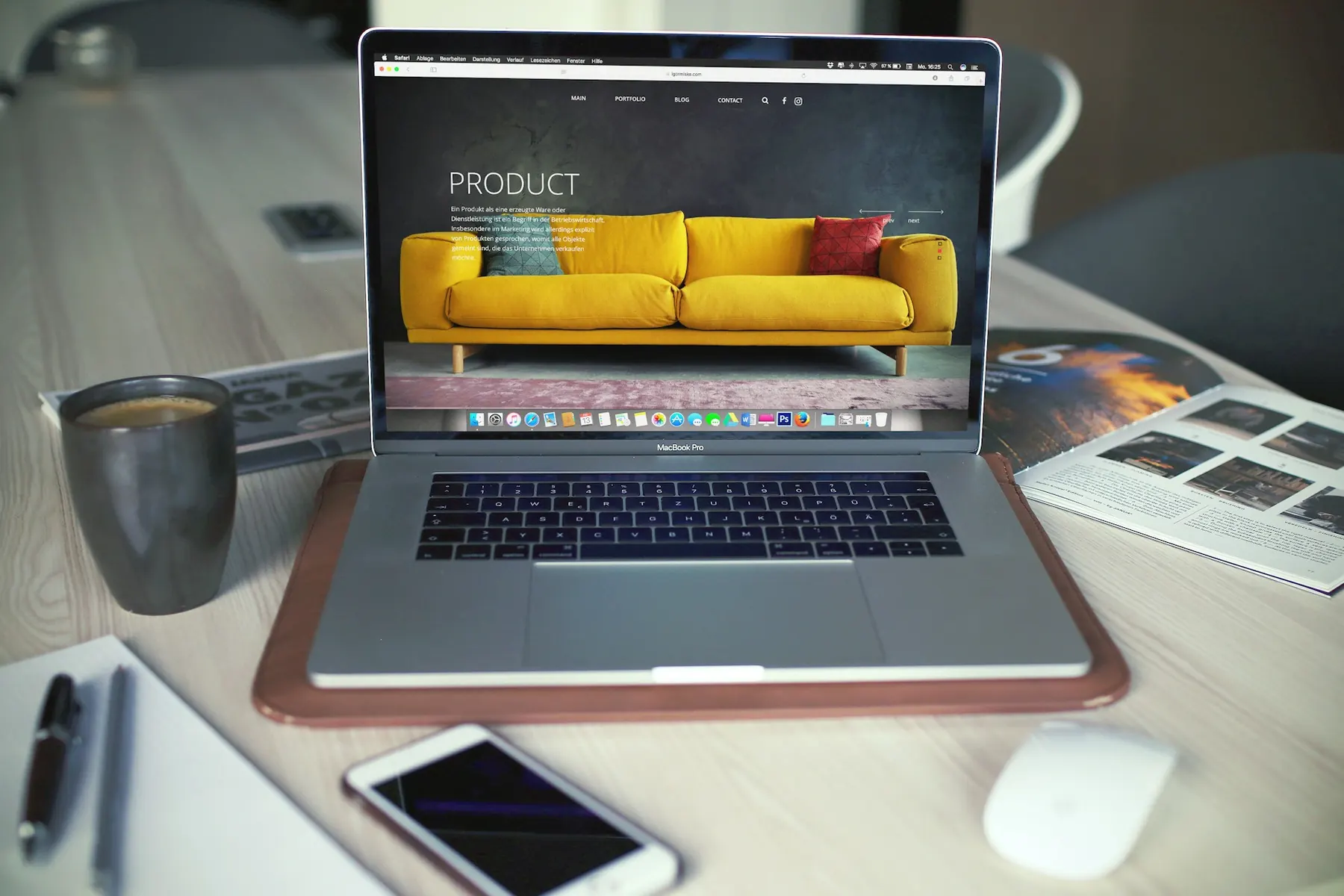
A few years ago, having a website meant hiring a programmer. Today there are platforms that let you put together a site by dragging blocks around, pick a template and publish it in an afternoon. This is what is known as “no code” web design.
But just because you can does not mean you always should. In this guide we explain what building a website without code really means, compare the most popular platforms, go over the costs that are not always visible and help you decide when to do it yourself and when to hire someone.
What building a website “without code” means
No code platforms, also called no-code tools, give you a visual editor where you see the page as you build it. You choose a template, change the text and photos, add sections and publish. The platform takes care of hosting, security and updates.
In exchange, you work within that platform's rules: its templates, its features and, in many cases, its pricing model. Understanding those rules before you start saves you from surprises.
That trade off is not good or bad in itself. For many small businesses, not having to think about servers or security patches is exactly the point. The key is knowing what you are giving up so you are not caught off guard when you want to do something the platform does not allow.
The most popular platforms
Wix
One of the easiest editors to get started with. You drag elements wherever you want and you get plenty of templates and apps. Its freedom is also its risk: it is easy to end up with a messy page on mobile if you do not review it carefully.
WordPress
The most widely used system in the world. It comes in two versions: WordPress.com, which is hosted and simpler, and WordPress.org, which you install on your own hosting. With visual builders like Elementor you can design without code, and its plugin ecosystem lets you do almost anything. The downside is that it requires more maintenance: updates, security and compatibility between plugins.
Shopify
Built for selling. Catalog, inventory, cart, payments and shipping come ready to go. If your main goal is an online store with many products, it is usually the most direct option.
Webflow
A very powerful visual editor, close to the way a professional designer works. It allows highly customized results, but it has a steeper learning curve than the others.
Quick comparison
| Platform | Ease of use | Design | Online store | Flexibility |
|---|---|---|---|---|
| Wix | Very high | Freeform | Yes | Medium |
| WordPress | Medium | Depends on the theme | With WooCommerce | Very high |
| Shopify | High | Store templates | Its specialty | High for ecommerce |
| Webflow | Low at first | Highly customizable | Yes | High |
Features and prices change often, so always check the current plans on each platform's official website before you decide.
How to choose for your situation
- I want a simple website to showcase my services: Wix, or WordPress.com if you want to grow later with a blog.
- I am going to sell a lot of products online: Shopify, or WordPress with WooCommerce if you need more control.
- I need a strong blog and a lot of flexibility: WordPress.
- I want a truly unique design and I am willing to learn: Webflow.
Before choosing, confirm a detail that matters a lot in the Dominican Republic: which payment gateways the platform accepts and whether they work with your bank or with the payment methods your customers use.
It also helps to try before committing. Most platforms let you start building for free, so spend an evening testing two of them with your real content. The one that feels natural to you is usually the one you will keep updating, and a website that gets updated beats a more powerful one that gets abandoned.
The costs you do not always see
Many platforms advertise that you can start for free. That is true, but the free plan usually shows the platform's ads and does not let you use your own domain. Once the site gets serious, other costs show up:
- The paid plan to use your domain and remove ads.
- The domain itself, which renews every year.
- Premium templates.
- Apps or plugins for bookings, advanced forms, reviews or SEO.
- Per sale fees on some stores, on top of the payment gateway's own fees.
- Email with your domain, which is often paid separately.
- Your time, which also has a cost.
Add these up for a full year before deciding. A plan that looks cheap per month can end up costing more than expected once you include the apps you actually need and the hours you spend setting everything up.
The limits of doing it yourself
Time
Choosing a template, writing copy, preparing photos, setting up the domain and forms, and reviewing everything on mobile can take several weeks of evenings and weekends.
Generic results
Popular templates are used by thousands of businesses. Without design adjustments, your website may look like your competitor's.
SEO and speed
Platforms come with SEO tools, but using them well requires knowing what titles to write, how to structure pages and how to optimize images. A beautiful website that nobody finds is not much use.
Platform dependence
Moving a site from one platform to another is not always simple. You can take the content with you, but the design almost always has to be rebuilt.
Common mistakes when building your website yourself
- Choosing a template for its sample photos. Once you replace those photos with yours, the design can look very different. Focus on the structure, not the images.
- Cramming the home page with text. The home page should guide people and lead to action; the details belong on inner pages.
- Forgetting about mobile. Many editors let you move elements around in the desktop version without checking how they look on a phone.
- Uploading huge images. They make the website slow. Resize them before uploading.
- Not connecting your own domain. An address with the platform's name in it undermines trust.
- Publishing without testing the forms. Send a test message and confirm it arrives.
How to get your no code website to show up on Google
No code platforms let you work on SEO, but they do not do it for you. These steps make the difference:
- Write a unique title and description for each page, including the service and the city where relevant.
- Use a single main heading per page and well organized subheadings.
- Give your page URLs clear names:
/services/teeth-cleaningis better than/page-3. - Add alt text to images, describing what they show.
- Connect Google Search Console and submit the sitemap the platform generates.
- Create your Google Business Profile and link it to your website.
None of these steps requires technical knowledge, only care and consistency. Doing them on every page from the start is much easier than going back months later to fix dozens of pages.
We go deeper into this in how to show up on Google when people search for your business.
Domain, email and payments: details for the Dominican Republic
.com or .com.do domain
A .com is recognized worldwide and can be registered with any provider. A .com.do reinforces that you are a Dominican business and is managed through the country's local domain registry. You can have both and redirect one to the other.
Email with your domain
An address like sales@yourbusiness.com builds more trust than a free email address. It is almost always purchased separately, from a professional email provider.
Online payments
If you are going to accept payments on the website, confirm which payment gateways the platform integrates with, whether they accept cards issued in the country and in which currency they pay out. Sometimes the most practical option is to combine the website with payment links or to close the sale over WhatsApp.
How long it takes to do it yourself
It depends on your experience and how much content you have ready, but it helps to have a realistic idea of the stages:
- Choosing a platform and template: a few hours of comparing options and looking at examples.
- Preparing copy and photos: this is usually the longest part. If you are starting from scratch, it can take several days.
- Building the pages: anywhere from one to several days, depending on how many there are.
- Reviewing on mobile and fixing issues: do not underestimate it; this is where most problems show up.
- Setting up the domain, forms, SEO and analytics: a few hours, if nothing goes wrong.
If you can only work on it in the evenings and on weekends, it is normal for the process to stretch over several weeks.
Maintaining the website after it goes live
No code platforms take care of security and hosting, but the content is still your responsibility:
- Update prices, hours and promotions whenever they change.
- Check the forms from time to time; a change in your email can stop messages from arriving.
- Renew the domain on time; if it expires, your website disappears.
- If you use WordPress, keep the core, the theme and the plugins up to date, and keep backups.
- Add new content, such as questions, case studies or articles, to keep showing up on Google.
Questions to ask yourself before you start
- What do I want people to do when they land on my website?
- Do I already have the copy and the photos, or do I need to create them?
- Am I going to sell online or just receive inquiries?
- How many hours a week can I dedicate to it over the next month?
- Who is going to update it afterwards?
- What would happen to my business if the website took three more months to launch?
If your answers make you hesitate, it may be worth combining both approaches: a professional builds the foundation and you handle the day to day.
When it makes sense to hire a professional
- When your time is worth more in your business than in front of the editor.
- When the website is your main source of customers or sales.
- When you need integrations: bookings, local payments, inventory or internal systems.
- When you want a brand that stands out, not a template.
- When you already built your website, but it does not generate inquiries.
There is also a middle ground: a professional builds the foundation and hands you a website ready for you to update the copy, photos and products yourself. That is what we do in our website plans.
Steps to launch your no code website
- Define the goal and the main action: WhatsApp, booking, purchase.
- Write the content before you open the editor. In this guide we tell you what to prepare.
- Choose the platform based on what you are going to sell.
- Pick a simple template designed for your type of business.
- Register your domain in your own name.
- Build the basic pages: home, services, about us and contact.
- Review everything on your phone, page by page.
- Set up SEO: titles, descriptions and image alt text.
- Connect Google Analytics and Search Console.
- Publish and ask for feedback from three real customers before promoting it.
Building your website without knowing how to code is possible, and it can be a good first step. If at some point you would rather hand it off, let's talk.
Frequently asked questions
What is the easiest platform for building a website?+
For most people, Wix is the easiest to learn. Shopify is the most direct option if your main goal is selling products.
Can I build a website for free?+
Yes, with the free plans offered by several platforms, but they show ads and use a platform address instead of your own domain. For a business, a paid plan and your own domain are the better choice.
Can a website built with Wix or WordPress rank on Google?+
Yes. These platforms let you set titles, descriptions and other SEO elements. Rankings depend more on content, structure and competition than on the platform.
Can I move my website from one platform to another?+
You can take your text and images with you, but the design usually has to be rebuilt. That is why it pays to choose carefully from the start.